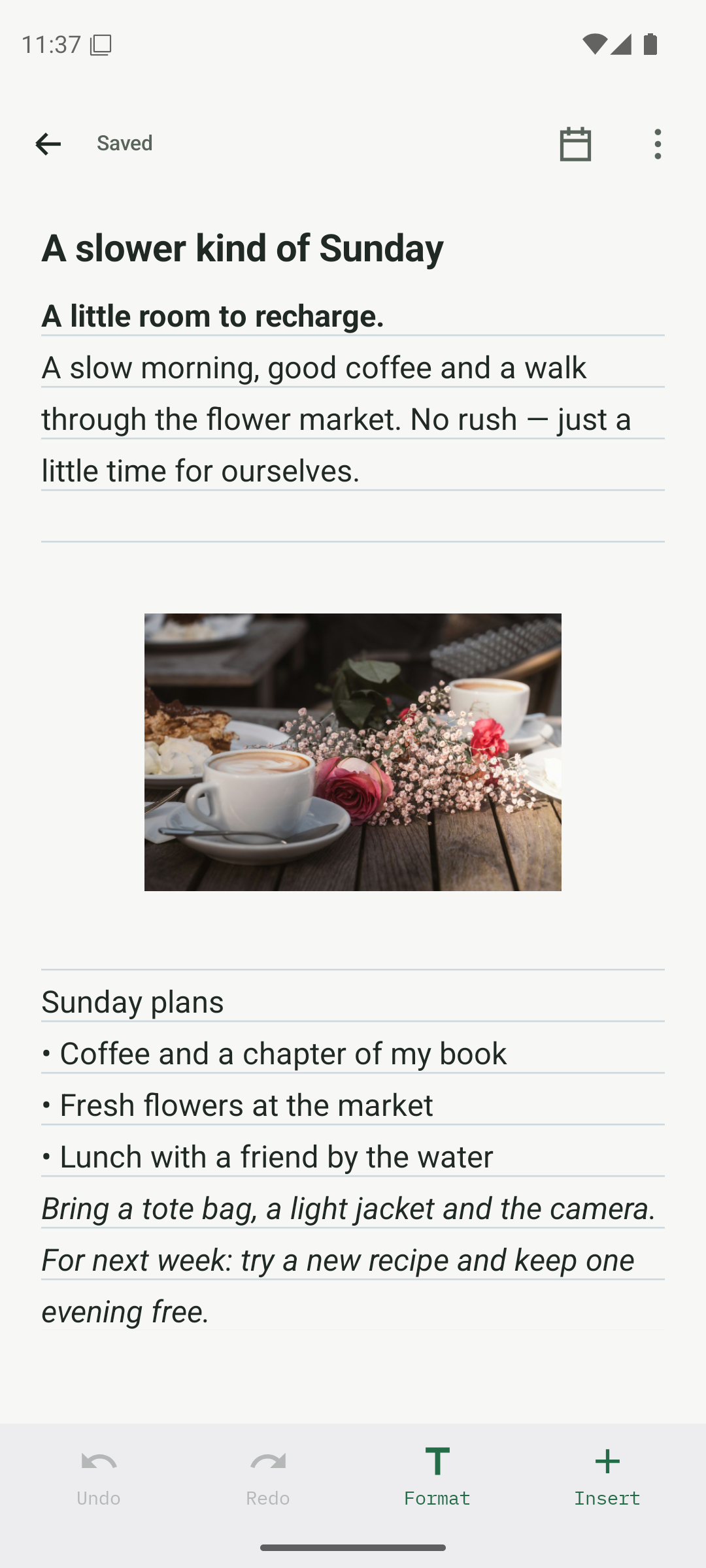
01 / WRITE IT DOWN
Write it down. Make it yours.
A quick sentence, a longer story, a photo worth keeping. Add a title or simply start writing. Your notes save as you go.
 Anytime NotesANDROID · COMING SOON
A QUIETER KIND OF NOTES APP
Write offline. Add photos, format your words, and keep everyday plans close.
Explore the featuresAnytime Notes · Coming to Android
A LITTLE LESS TO KEEP IN YOUR HEAD
01 / WRITE IT DOWN
A quick sentence, a longer story, a photo worth keeping. Add a title or simply start writing. Your notes save as you go.
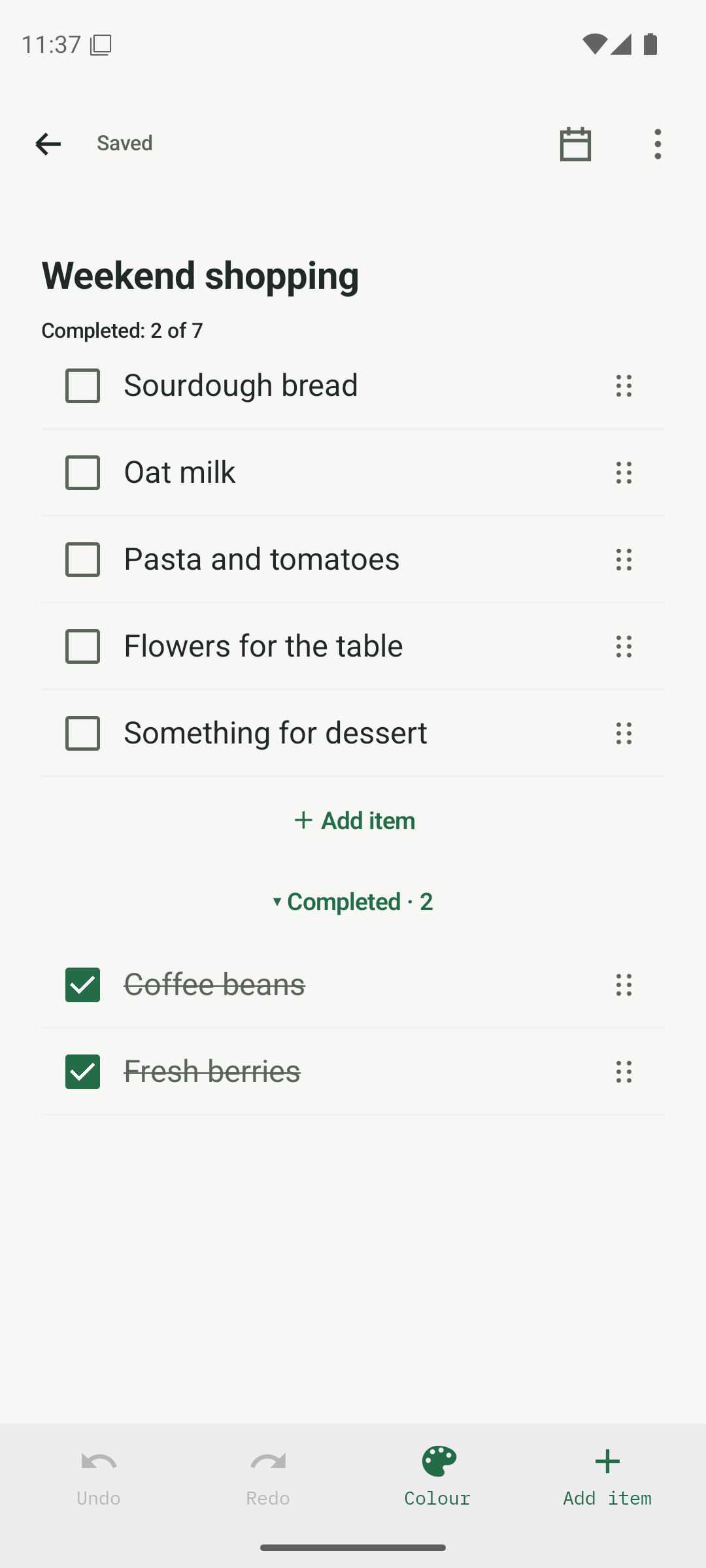
02 / CHECKLISTS
Shopping, packing, projects or plans. Turn the things you need to do into a list you can work through at your own pace.
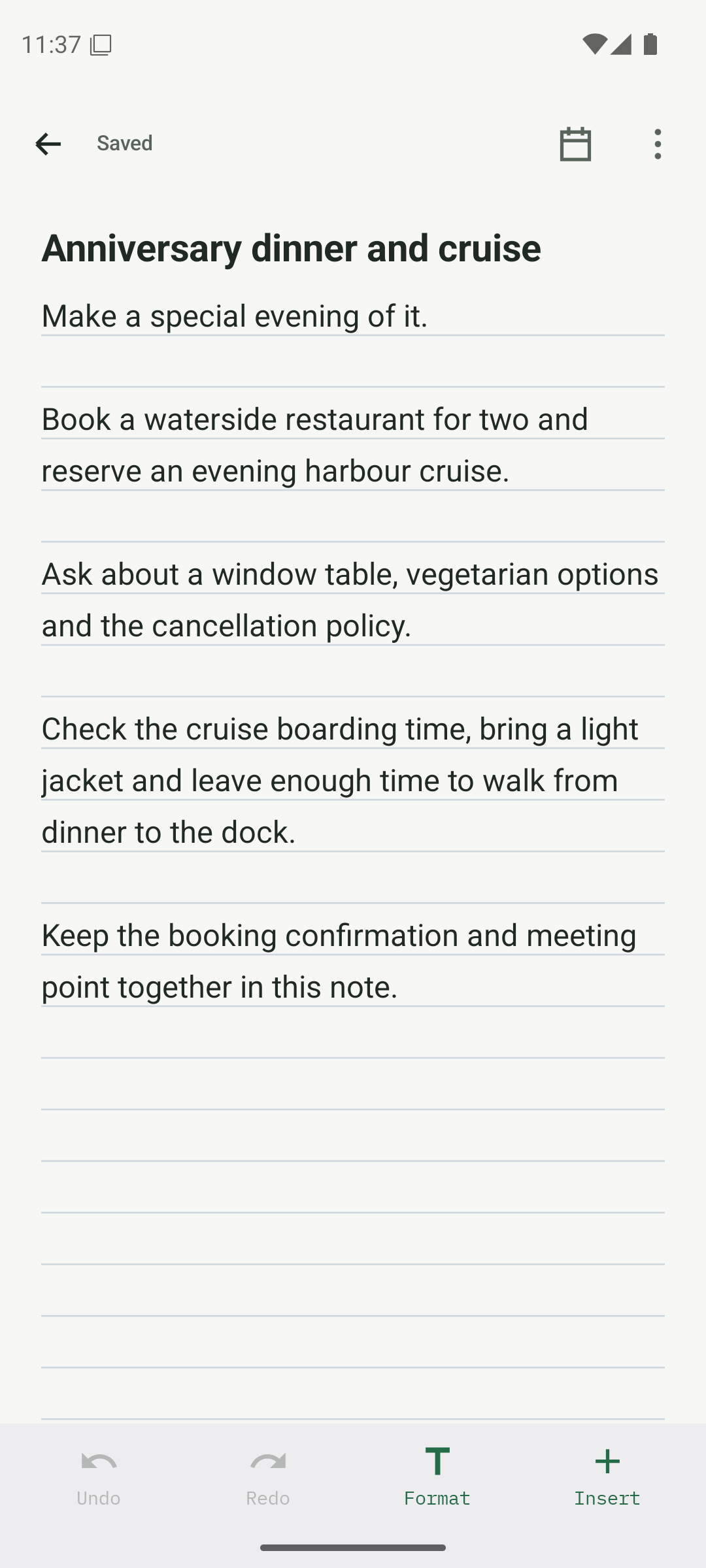
03 / DATES & REMINDERS
Use calendar and agenda views, add a date without an alert, or set daily, weekly and monthly reminders. Snooze when you need a little more time.
02 / ORGANISE
Use folders, colours and search to bring a little order to the everyday.
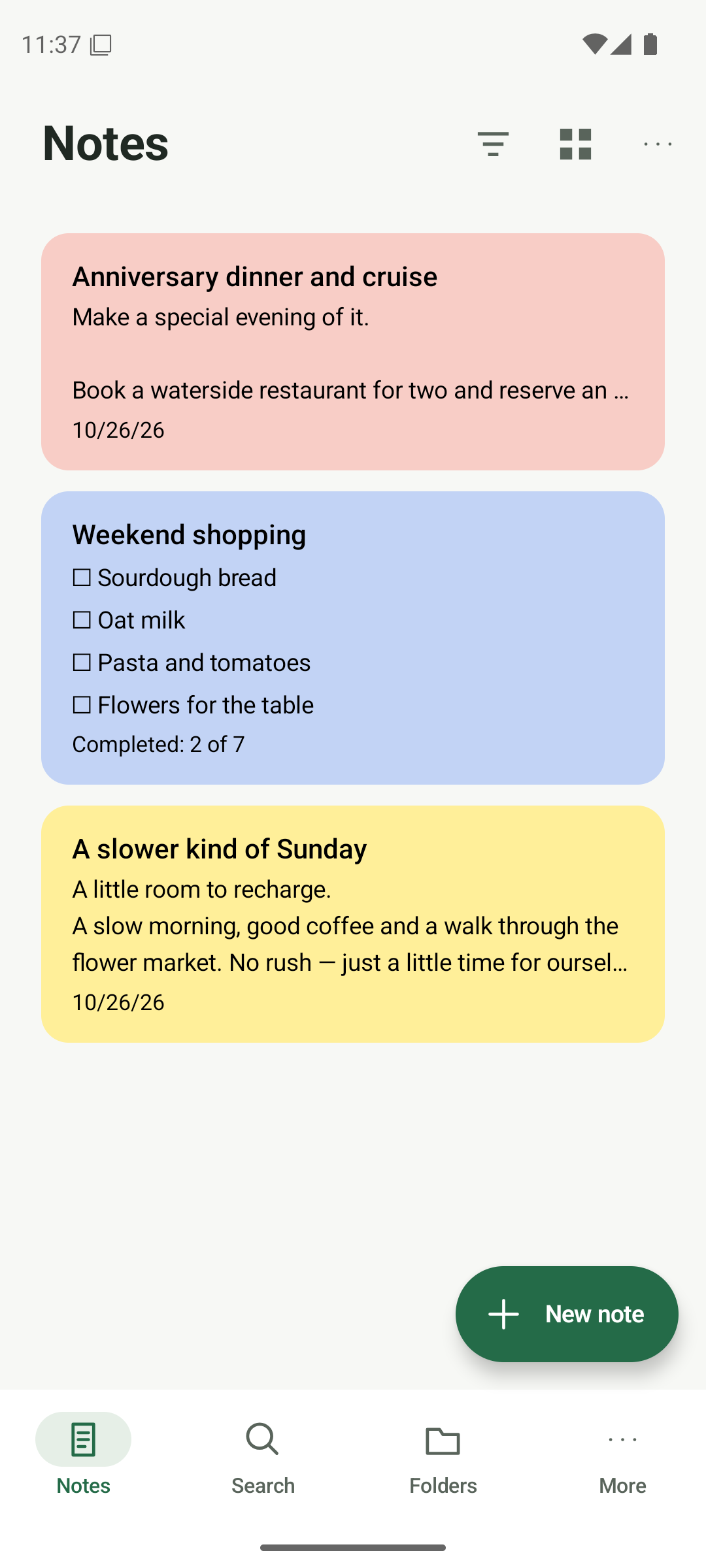
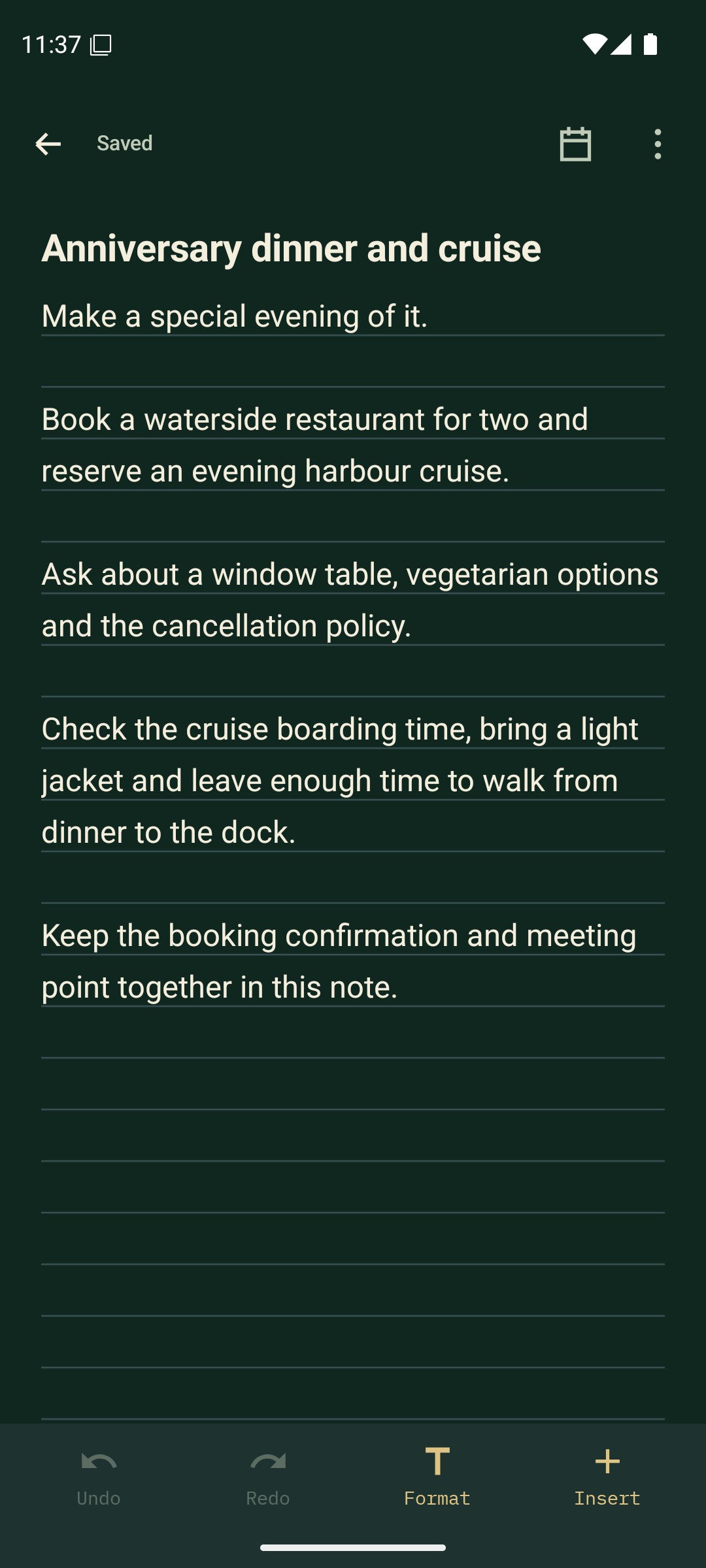
05 / THEMES & NOTE PAPER
Keep things bright with Warm Paper, or settle into Midnight Forest. Match your notebook to your day, with colours and paper that make it your own.
Light, dark and core themes are Free. Warm Paper, Midnight Forest and extra customisation are Premium.
YOUR NOTES. YOUR CHOICE.
Write and organise offline. Choose what to share,
and create encrypted backups for the things you want to keep.
Sharing and paired-device sync use a connection when you choose to use them.
The Android app is in internal testing. Public availability will be announced here when it is ready.
Yes. Writing, reading and organising your local notes work without an internet connection.
The app includes export, encrypted backup and sharing tools. You choose when to use them.
No. Optional Premium is a one-time purchase through Google Play. Compare Free & Premium.
Anytime Notes · Coming to Android